 Block Out Online
All Block Out Levels
How to Play Block Out
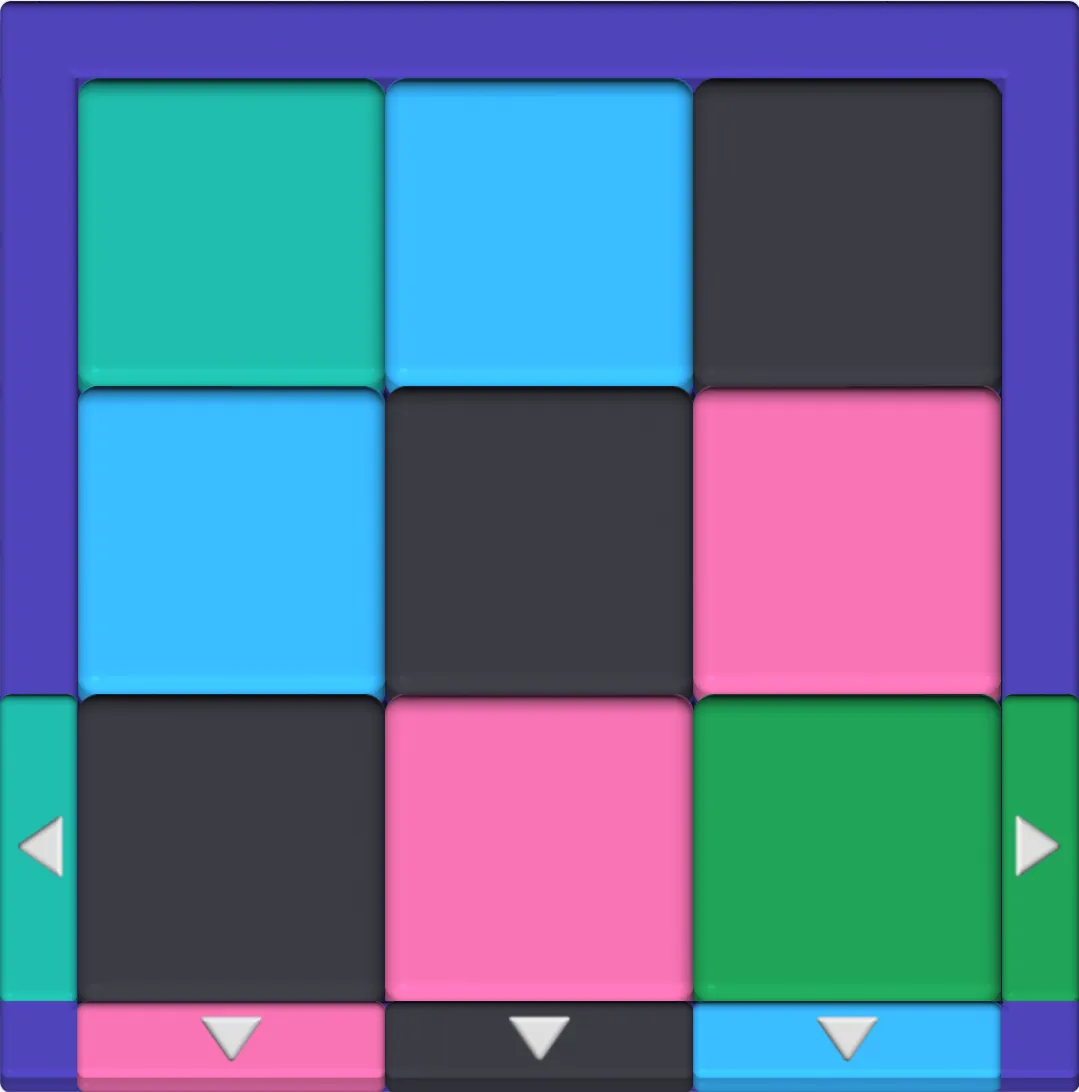
Block Out, also written Blockout, is a sliding block puzzle game. Drag every block out through an exit of its own color. When the board is empty, you clear the level.
Which Exit Takes Which Block?
A block can only leave through an exit of the same color. The exit must be at least as wide as the side of the block that faces it. A block two squares wide needs a two-square exit lined up with it.
When the last block of a color leaves, the exits of that color close.
How Do Blocks Move?
Blocks slide one square at a time, up, down, left or right. You can change direction while you drag, so a block can go around corners. Walls and other blocks stop it. Blocks never turn or rotate.
What Are the Controls?
- Mouse or touch: drag a block where you want it.
- Keyboard: press Tab to pick a block, then use the arrow keys.
- A block already touching its exit leaves as soon as you tap it.
What Happens When You Clear a Level?
A window shows how many moves you used. Pick Next level, or Play again to beat your move count. Restart resets the board at any time.
Block Out Online Screenshots
Tips for Hard Levels
Start from the exits, not the blocks. Find the block that can leave first, then clear its path.
Where Do You Start on a Crowded Board?
Start with a block that already has a clear path to its exit. Each block you remove frees space for the rest. If exits still confuse you, check the rules above first.
How Do You Free a Boxed-In Block?
Move the blocks around it first, even if they can't leave yet. Park them in a corner or a row that no other block needs.
When Should You Restart?
Restart when one block sits where two others need to pass. It costs you nothing. There is no timer and no limit on tries.
How Do You Use Fewer Moves?
Plan the whole path before you drag. One drag counts as one move, however far it goes. With the keyboard, each arrow press counts as a move.
FAQ
Is Block Out Online free?
Yes. It runs in your browser. You don't need to download anything or make an account.
Is there a timer?
No. Every level waits for you, so you can plan each move.
Can I play Block Out on a phone?
Yes. Drag blocks with your finger on a phone or tablet. On a computer, use the mouse, or Tab and the arrow keys.